

Submitting a Pull Request#
Preparing a branch#
Before opening a pull request, sync your fork’s master branch with the upstream Acoular repository. GitHub documents how to sync a fork. Then create a branch for your changes:
$ git switch -c new-branch
Run the Code Quality Standards checks, commit your changes, and push the branch:
$ git push --set-upstream origin new-branch
Creating a pull request on GitHub#
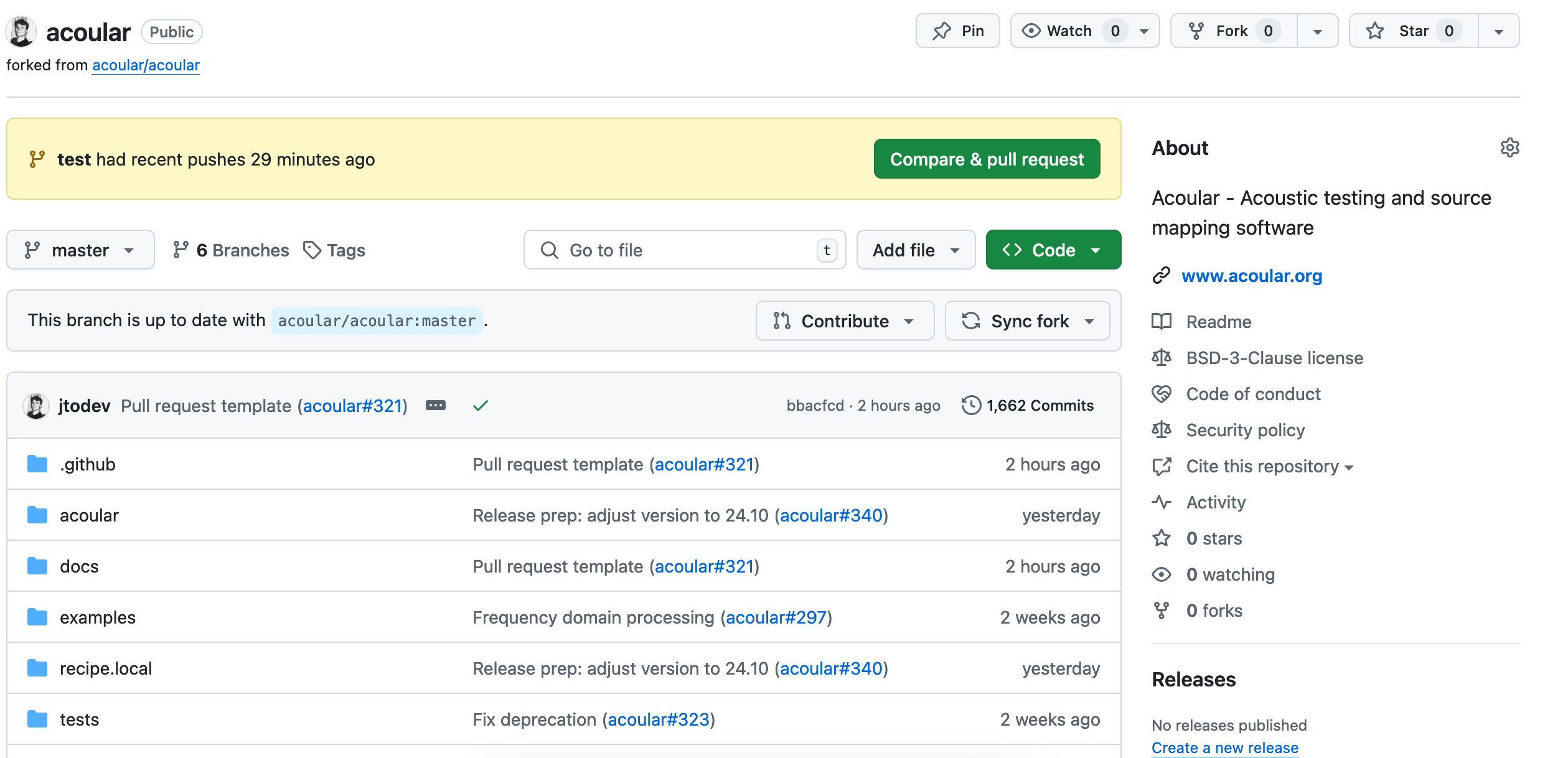
Open your fork on GitHub and select Contribute or Compare & pull request for the branch.
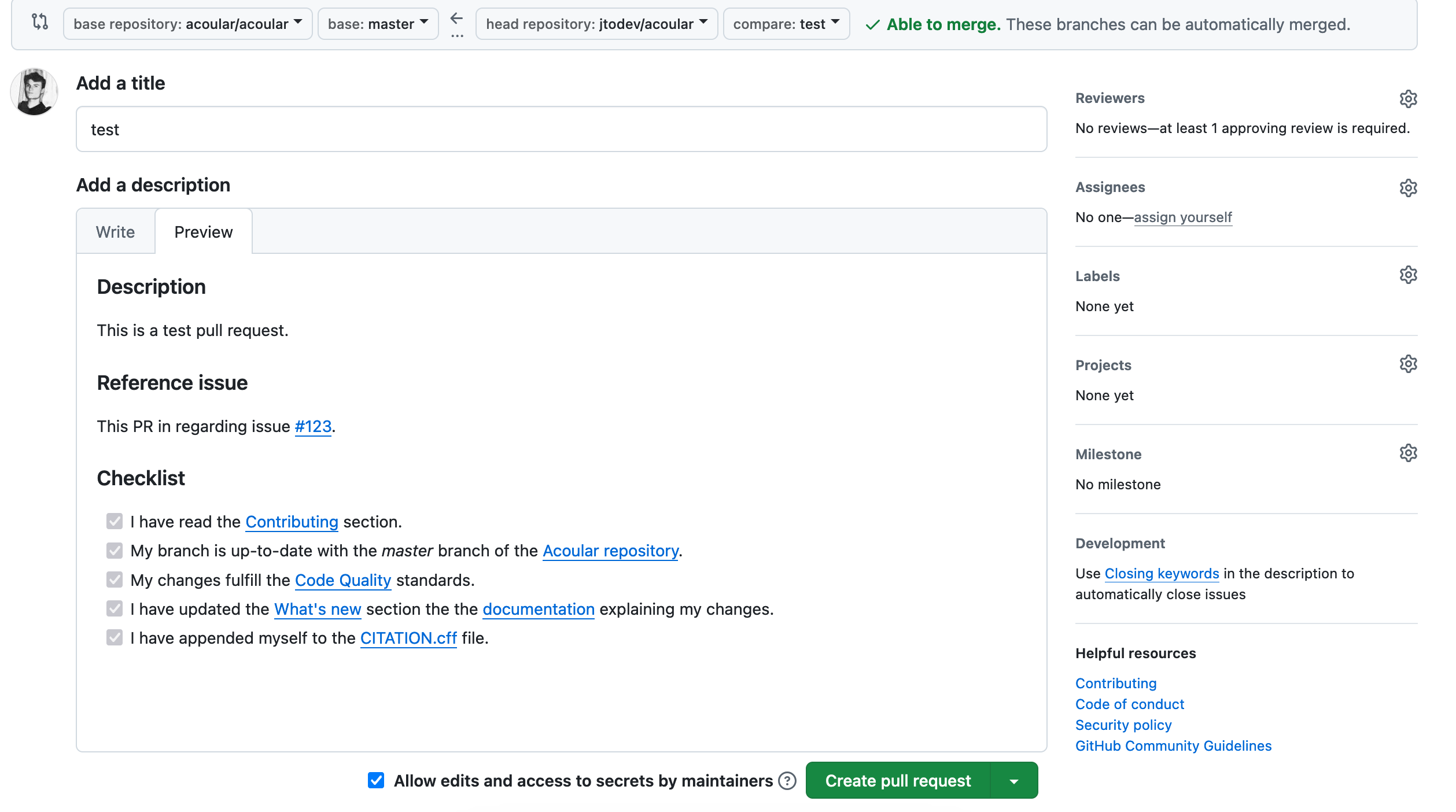
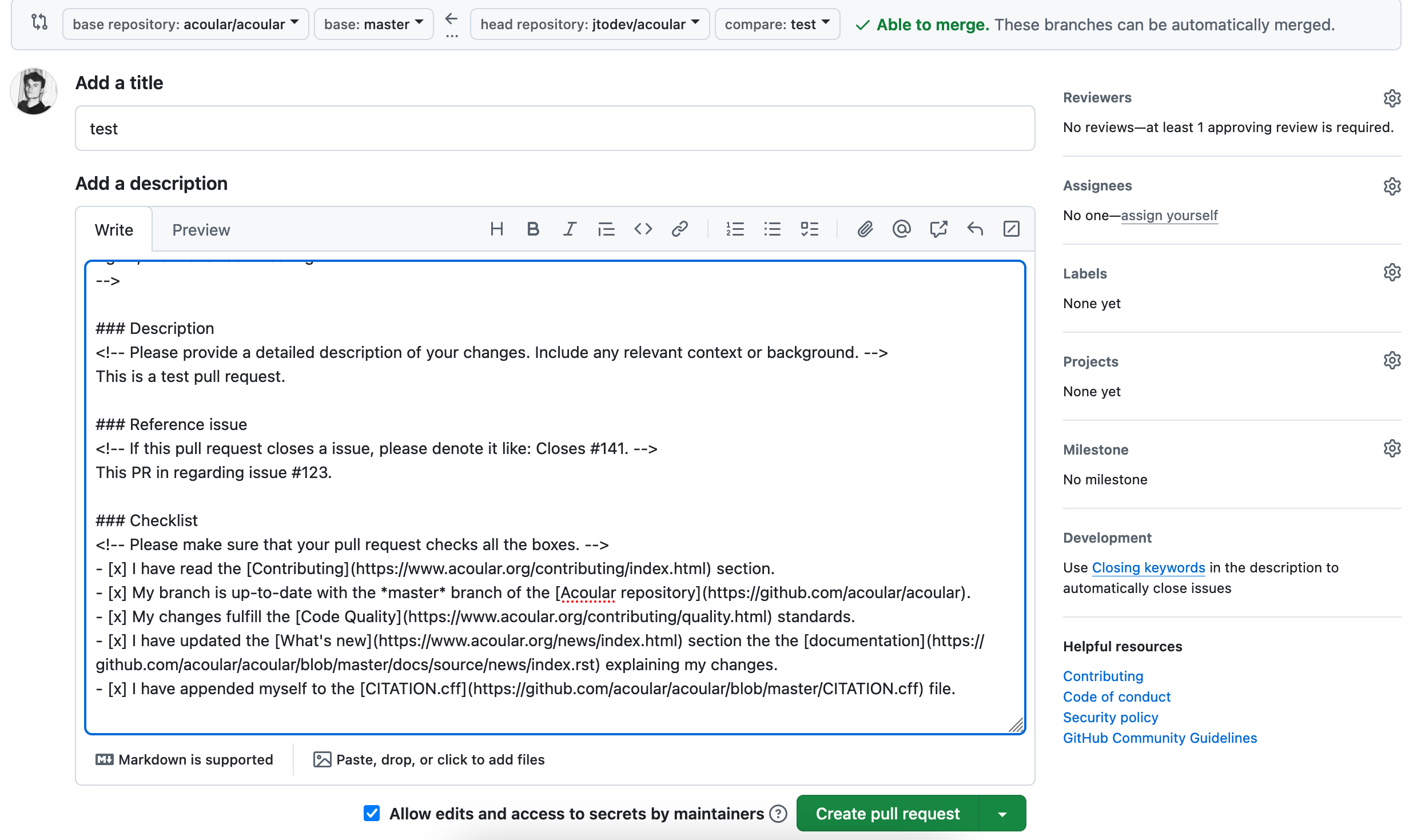
Describe the change, link the related issue when applicable, and complete the pull request template.
Use the Preview tab to review the rendered description before selecting Create pull request.